If you have problems, contact VDAB Competence Center immediately.
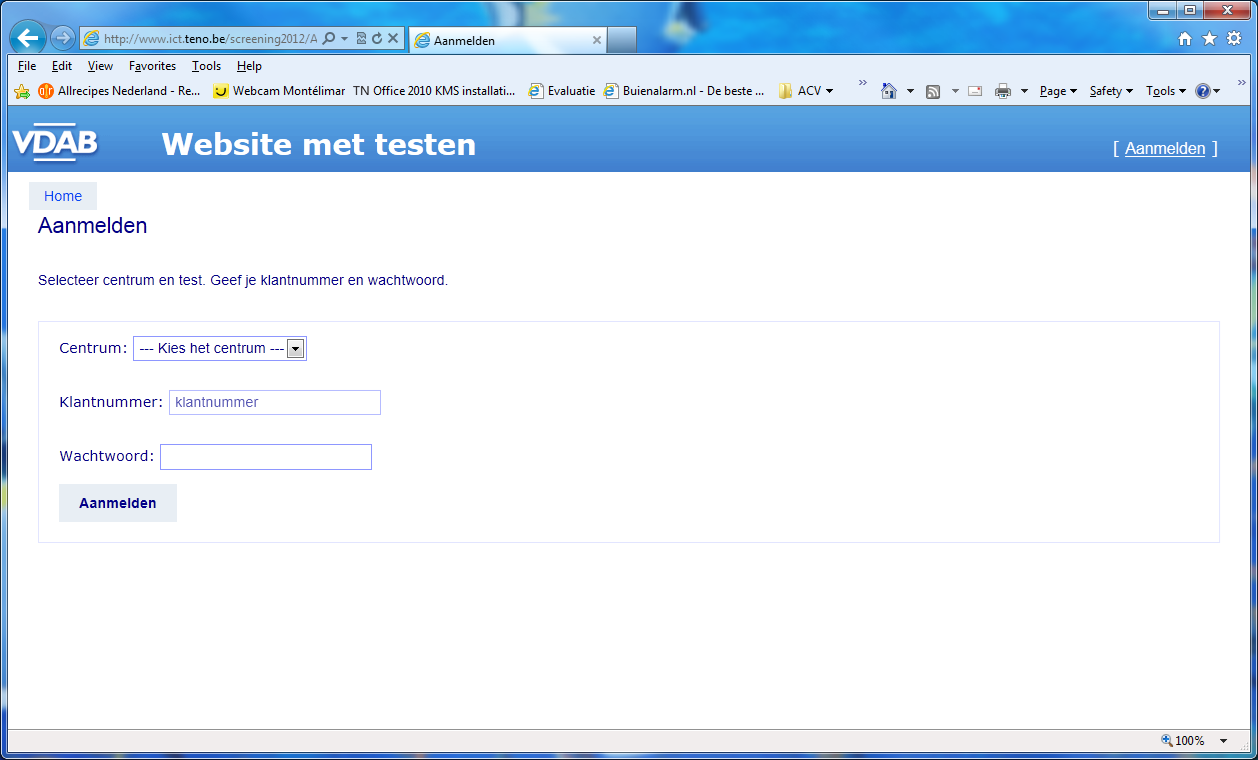
Start the browser Internet Firefox of Chrome.
You sign up with
Centrum: dit vind je in de e-mail
Klantnummer: dit vind je in de e-mail
Wachtwoord: dit vind je in de e-mail
Enter the details and click on the button Aanmelden.
If you are registered for multiple tests, select the correct test.
The test starts
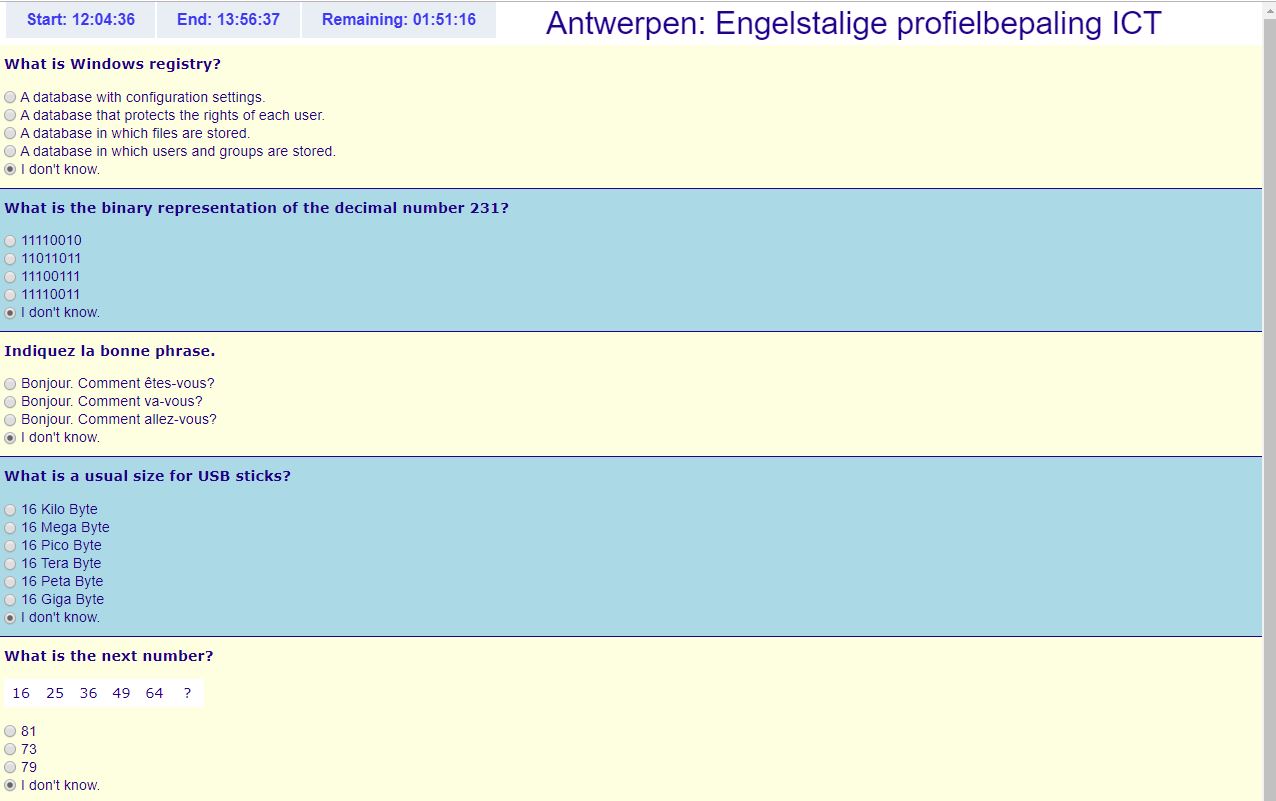
Je mag nu enkel de muis gebruiken om de test op te lossen. De beschikbare duurtijd wordt aangegeven op het scherm.
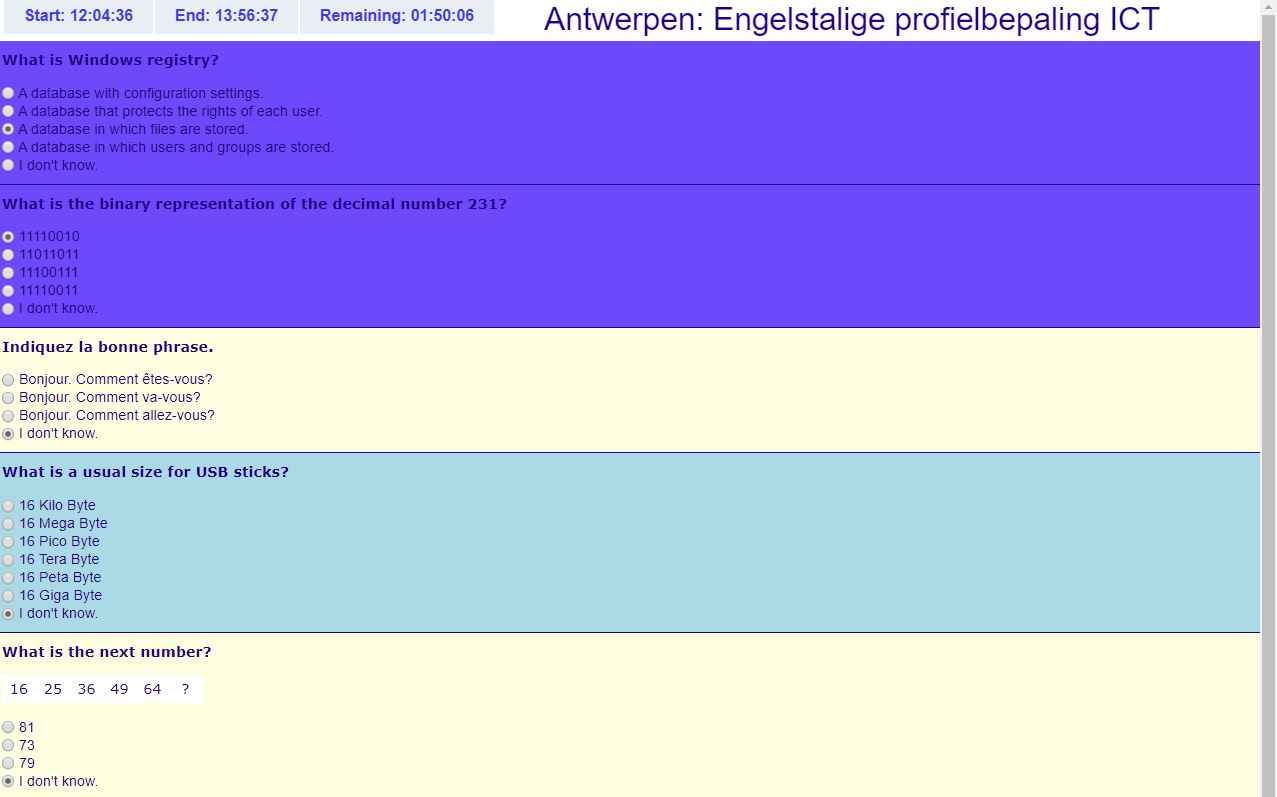
Each question you answer will have a blue background color. If you don't know the answer, choose for the option “I don't know.”
Each page contains 5 questions, click

to go to the next page.
You answer every question.
The last page contains the button

. Click this button when you have finished the test.
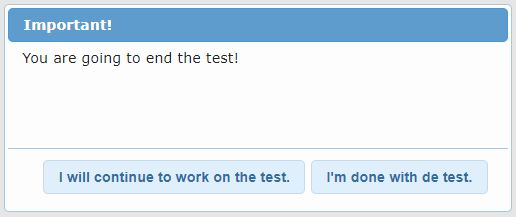
Confirm your choice.
On the screen you see the message “The results of the test have been calculated.”. When you see an error message, contact VDAB Competence Center.